A website for your business
A Fence or Landscaping Website Ready for Spring: Photos, Quote Form, City Pages
What a fence or landscaping site needs before the busy season: sized work photos, a short quote form, real city pages and a matching Business Profile.
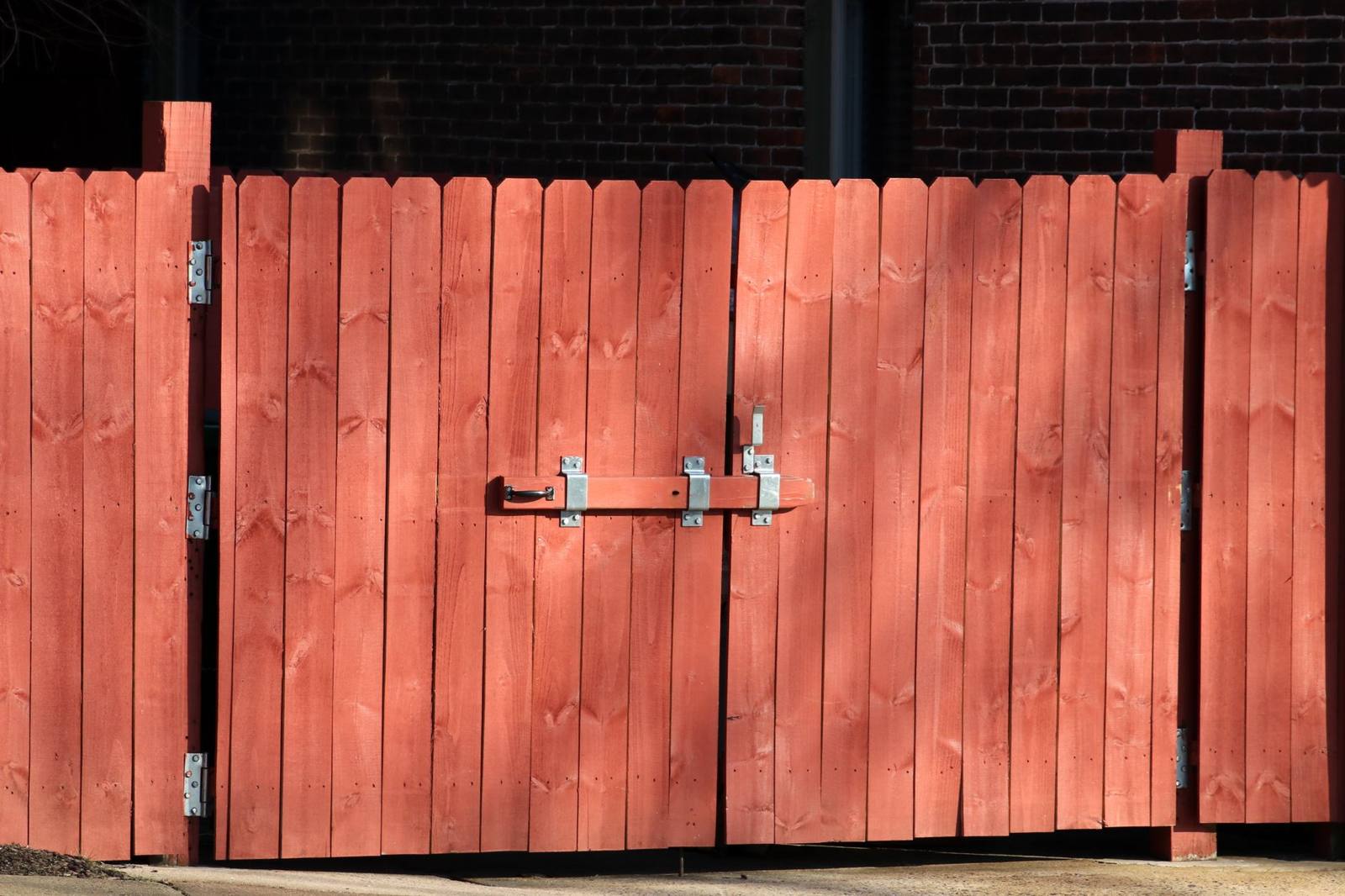
Photo by Gene Samit on Pexels
In short
A fence or landscaping website is ready for the busy season when the work is shown in photographs of real jobs, the quote form asks for little, each city page says something true about that city, and the Google Business Profile matches the site. Finish it weeks before the first warm days: Google says crawling can take from a few days to a few weeks, so a page published in the middle of the rush may not be found until the rush is over.
- Google’s spam policy lists pages or domains aimed at specific regions or cities that funnel users to one page, and substantially similar pages, as doorway abuse.
- Google Business Profile photos should be JPG or PNG, 10 KB to 5 MB, 720 by 720 pixels recommended, 250 by 250 minimum, in focus and well lit, without heavy filters1.
- A service-area business should hide its address and set a service area that does not extend farther than about two hours of driving time from where the business is based2.
- Google says a crawl can take anywhere from a few days to a few weeks, and a requested crawl is no guarantee of inclusion.
- Images likely to be on screen when the page loads should not be lazy-loaded; add width and height attributes to every image.
Most fence and landscaping owners decide to fix the website in the middle of the busy season, when the phone is ringing and there is no time. This page is the list to work through beforehand: the pages, the photographs, the form, the city pages and the Business Profile. It belongs to our cluster on what a website costs a trade business, and it assumes the basics in what a contractor website must show are already in place.
Timing: why "before the season" means weeks
No published curve of fence and landscaping searches by month is cited here, so we make no claim about which month peaks. What can be said is how long Google takes. Its documentation on crawling says it can take from a few days to a few weeks, and that asking for a crawl does not guarantee the page is included in results quickly or at all.
That is the reason to finish early, whatever the month. A new service page, a new city page or a new gallery published on the day demand starts to climb may not be seen until weeks later. Plan the work so that every page you want found is live and linked a month or more before the work you expect it to bring in.
The pages to have ready
For a fence or landscaping contractor, a site that works is short:
- Home page. What you build, where, your license number and a phone link.
- One page per service. Wood fences, vinyl, chain link, gates; or patios, turf, irrigation. One page per thing a customer would ask for by name.
- Gallery. Finished jobs, each with the city and the type of work in the caption.
- Contact or quote page. The form, the phone number, the hours.
- City pages, only where there is something to say. See below.
- Reviews or past jobs. With the source named.
Each page that describes work is also advertising for California purposes. The Contractors State License Board’s guide says contractors must include their license number in all forms of advertising and cannot advertise outside the license classification. A new service page for a patio or a retaining wall is a classification question before it is a design question.
Photos of the work
The photograph is the page. A visitor choosing between three fence companies looks at the finished fences.
For the site and the Business Profile alike:
- Use your own jobs. Name the city and the material in the caption. Google asks that Business Profile photos be in focus, well lit and free of significant alteration or excessive filters.
- Mind the size limits. Business Profile photos are JPG or PNG, between 10 KB and 5 MB, with 720 by 720 pixels recommended and 250 by 250 as the minimum1.
- Resize before you upload to the site. Google’s image guidance says images are often the largest part of a page’s weight and should be compressed and optimized so pages load quickly, and says to use
srcsetor<picture>to serve different sizes. A phone should not download a photograph made for a billboard. - Describe the picture in the alt text. Google calls alt text the most important metadata for an image: describe it plainly and do not stuff keywords. “Cedar privacy fence with a gate, Corona” is enough.
- Do not lazy-load the first photograph. Google’s guidance is not to lazy-load images likely to be in view when the page loads, especially the largest one; lazy-load the gallery below it. Put width and height attributes on every image so the page does not jump as photographs arrive.
The quote form
Four fields: name, phone, city, and a line about the job. The photograph of the yard can come in the reply. Say what happens next and when: “we call within one business day” is a promise you have to keep, so say only what you will do.
Put the phone number next to the form. Some customers will not fill in anything.
City pages that are not doorway pages
A page for every city sounds sensible, and Google’s spam policy describes the failure case exactly. Doorway abuse, as the policy defines it, is sites or pages built to rank for specific, similar queries. The examples include multiple domains or pages aimed at specific regions or cities that funnel users to one page, and substantially similar pages that sit closer to search results than to a clearly organized, browsable hierarchy.
The test is whether the page would be useful to someone who arrived on it and nowhere else. A city page earns its place when it carries something that is true of that city and nothing else: jobs you built there, with photographs; the permit office or homeowners association rules that apply; the soil, slope or fence-height rules you work around; the neighborhoods you drive to. A city page that is the home page with the name swapped is the thing the policy describes. Our piece on service area pages that are not doorway pages goes through it page by page.
Google’s own words Doorway pages are “created to rank for specific, similar search queries”.
Practical rule: write five city pages with real content rather than thirty with none, and link them from the pages for the services they cover, not only from a list in the footer.
The Business Profile
The profile is the other half of the work. Google’s guidelines for a service-area business say to hide the street address if you do not receive customers there, to give a phone number or website that represents your individual business location, and to keep the service area no farther than about two hours of driving time from where the business is based2. A fence company that lists forty cities on its profile is outside that guidance. Match the profile to the site: same business name, same phone number, same license number, same cities. A service-area business on Google has the setup.
What we do about it
On the fence contractor’s site we host, the work is the gallery and the quote form, and the theme is one we wrote ourselves, with no page builder. We would rather publish five true city pages than thirty similar ones. If you are planning for spring, the order we suggest is: the license number and the classification wording first, the gallery second, the form third, the city pages last. See websites for contractors and the Fenceworks case study.
When to get help
If your site already has city pages that are copies of one another, merge or rewrite them before adding more; that is a cleanup, not a new build, and we can look at it in a consultation, which is free. If you advertise on Google as well, Google Ads for a fence or landscaping firm covers when it is worth running.
Frequently Asked Questions
When should a fence company update its website for spring?
Weeks before you want the calls. Google says a crawl can take from a few days to a few weeks, so finish and link new pages a month or more before the season you are planning for.
Are city pages bad for SEO?
Not when each one is useful to a visitor. Google’s spam policy names pages targeted at cities that funnel users to one page, and substantially similar pages, as doorway abuse.
How big should the photos be?
On a Business Profile, 720 by 720 pixels is recommended, with a minimum of 250 by 250 and a file size between 10 KB and 5 MB1. On your own site, serve sizes suited to the screen with srcset and compress the files.
Should I list my home address on Google?
A service-area business that does not serve customers at its address should hide it, according to Google’s guidelines.
Do I need a license number on a city page?
The Board’s guide says licensed contractors must include the number in all forms of advertising, including a website that solicits work. A footer that appears on every page covers it.
Sources
- Photo and video guidelines for Business Profile — Google Business Profile Help.
- Guidelines for representing your business on Google — Google Business Profile Help.
Research and drafting assisted by AI, reviewed before publication. Editorial policy.